My bookmarks
Stay up to date on the latest products, events and sessions and curate your personalized collection of bookmarks.
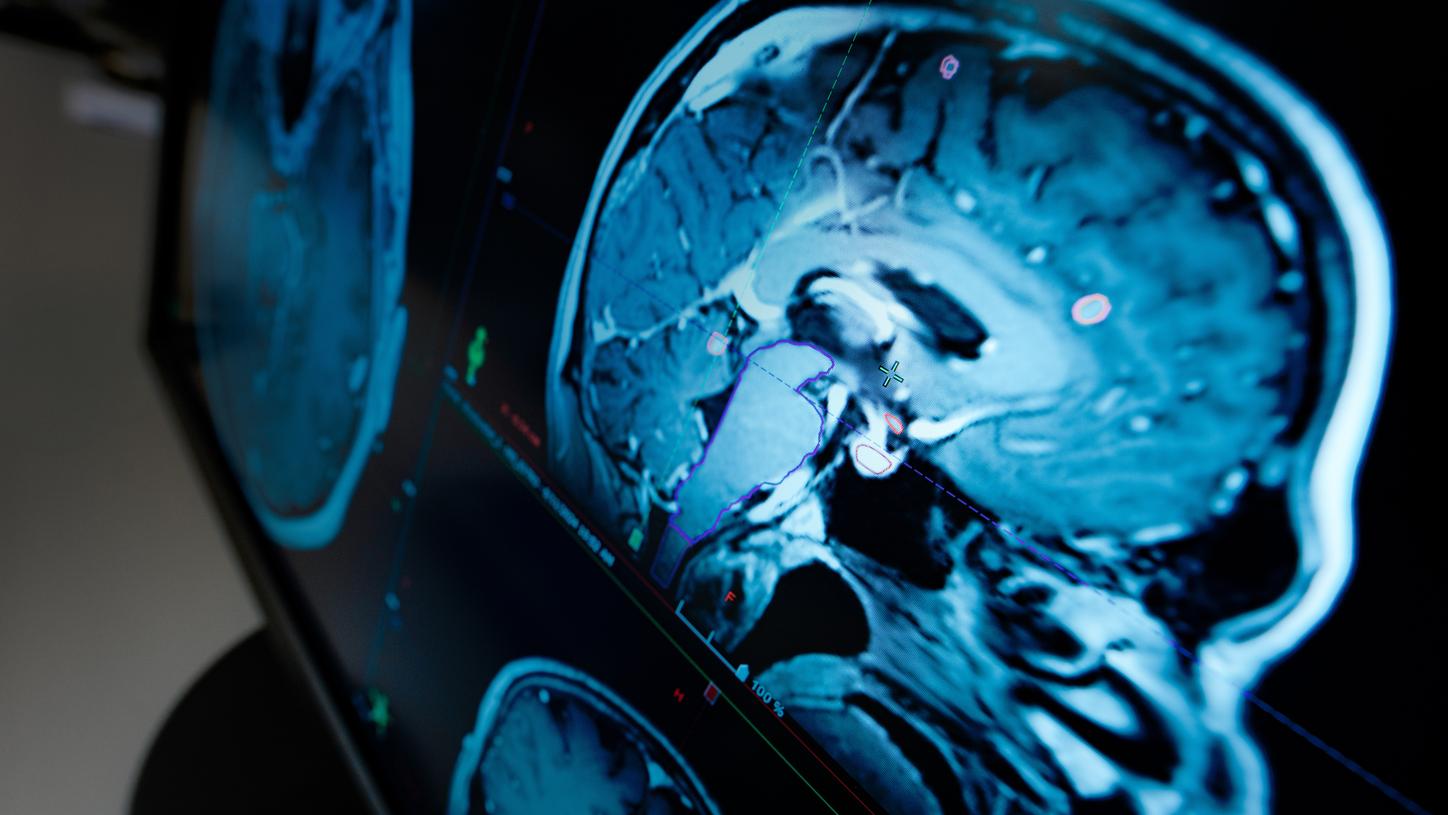
From automation to impact: How AI gives time back
Highlight topics

Sustainable Radiology
Manage your radiology department’s needs and priorities to meet your sustainability goals. Find the right solutions for four integral elements that ensure high quality of care for the long-term future: resource preservation, workforce solutions, healthcare access, and fleet management.

Theranostics in cancer care
Personalizing cancer care demands the right tools in order to get patients the right treatment at the right time. Our integrated value chain of precision oncology tools equips theranostics programs with state-of-the-art solutions at every step of the theranostics care pathway.


Frequently Asked Questions (FAQ)
My bookmarks

"My bookmarks" is a section on the Expo Hub where you can collect your personal highlights – onsite and online.

If you visit an exhibition on site, look out for the QR codes printed on many of our exhibits. If you scan a QR code, you can transfer the associated content to "My bookmarks". Please note that you must log in before you can set bookmarks.
You will find your bookmarked content later on this website under "My bookmarks" in the main navigation.
How can I bookmark content on the Expo Hub?

When you visit the Expo Hub, e.g. to take part in a virtual event, look out for the bookmark function labeled "Bookmark" on the product or video pages. If you click on it, you can add the relevant content to "My bookmarks". Please note that you must log in before you can set bookmarks.
You can find your bookmarked content at any time under "My bookmarks" in the main navigation.
Where do I find my bookmarked video sessions?
First, make sure you are logged in. You can find your bookmarked videos under “My bookmarks” in the main navigation.

Send an email or link with your bookmarks you have collected and share them with a colleague.
After you have logged in go to “My bookmarks” in the main navigation.
You can remove videos from by clicking "Remove".