
Widget - Overview
Hero Options
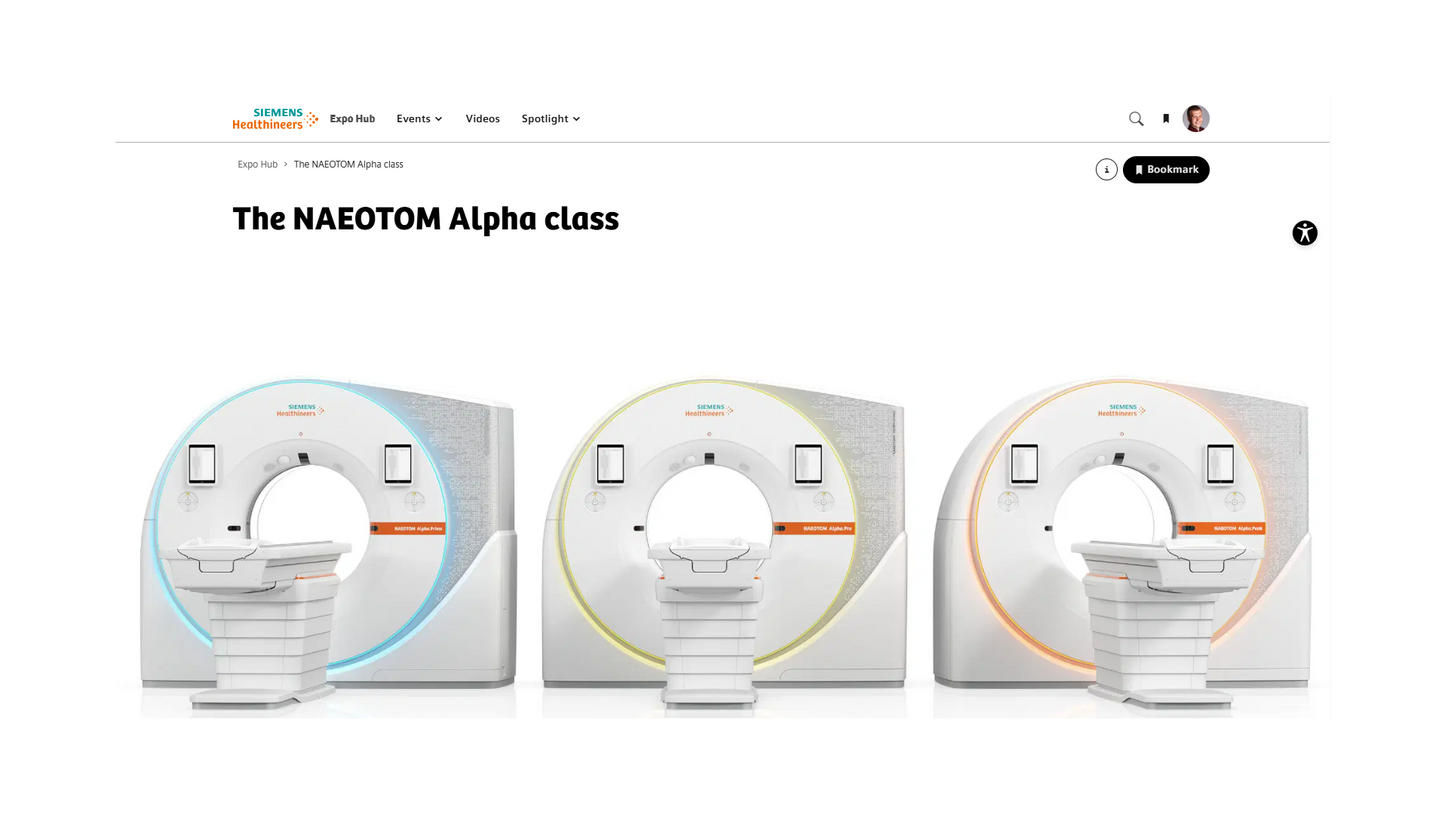
Default Hero
The Default Hero offers the most immersive and visually prominent layout. It uses a 16:9 image that extends across the entire hero area, including behind the text elements. Depending on the screen size, the hero can fill the complete initial viewport.
In addition to a headline and description, an optional button can be added.
The Default Hero is also the only hero option that supports a background video. The video fills the entire hero area, plays automatically without sound, and continuously repeats.
On mobile devices, the image is displayed below the headline and description.
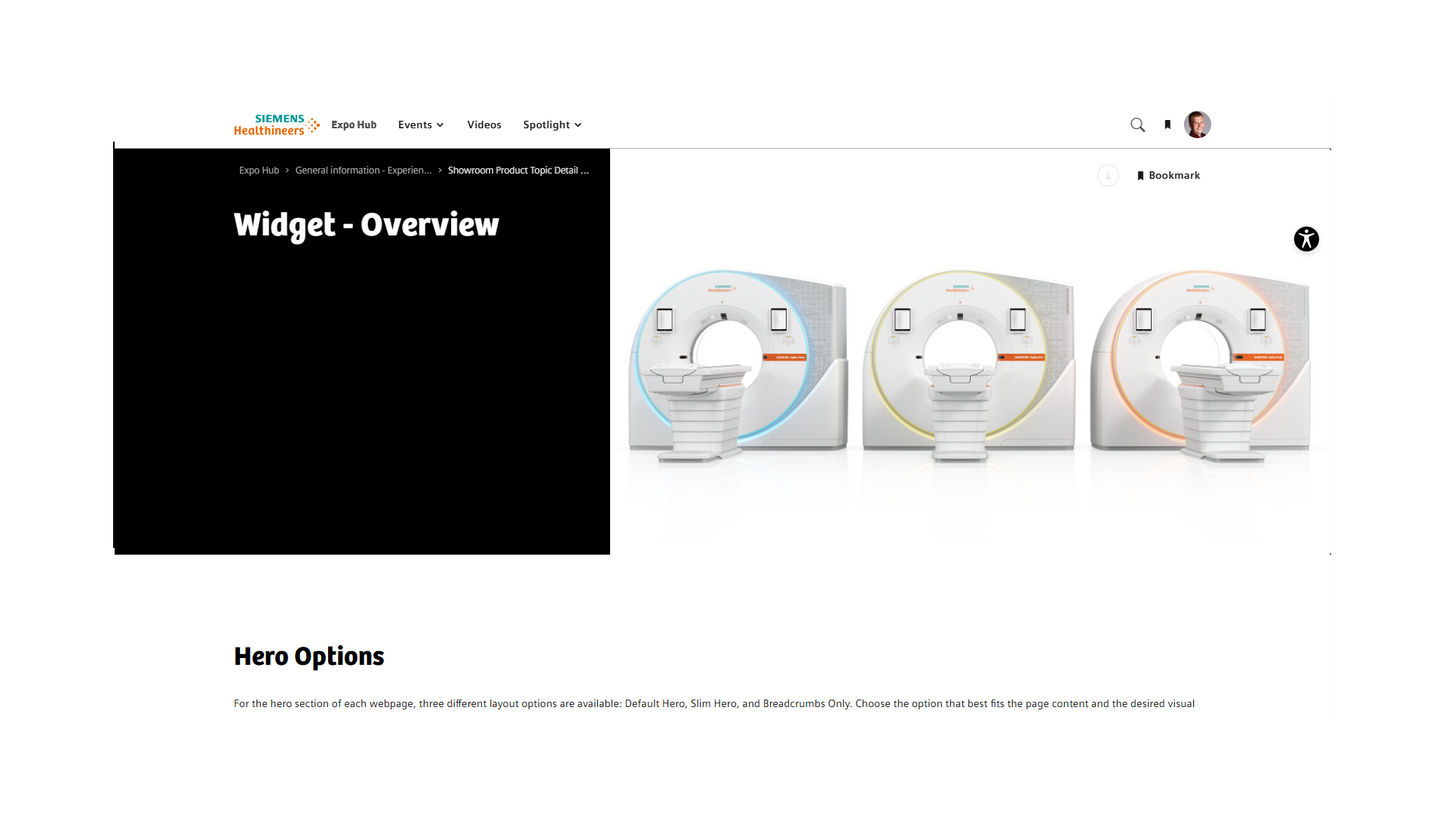
Slim Hero
The Slim Hero provides a more compact layout while maintaining a strong visual presence. It also uses a 16:9 image, but the image only covers approximately half of the hero area. The section containing the headline and description always has a black background.
A headline, description, and optional button can be included.
On mobile devices, the image is displayed above the headline and description.
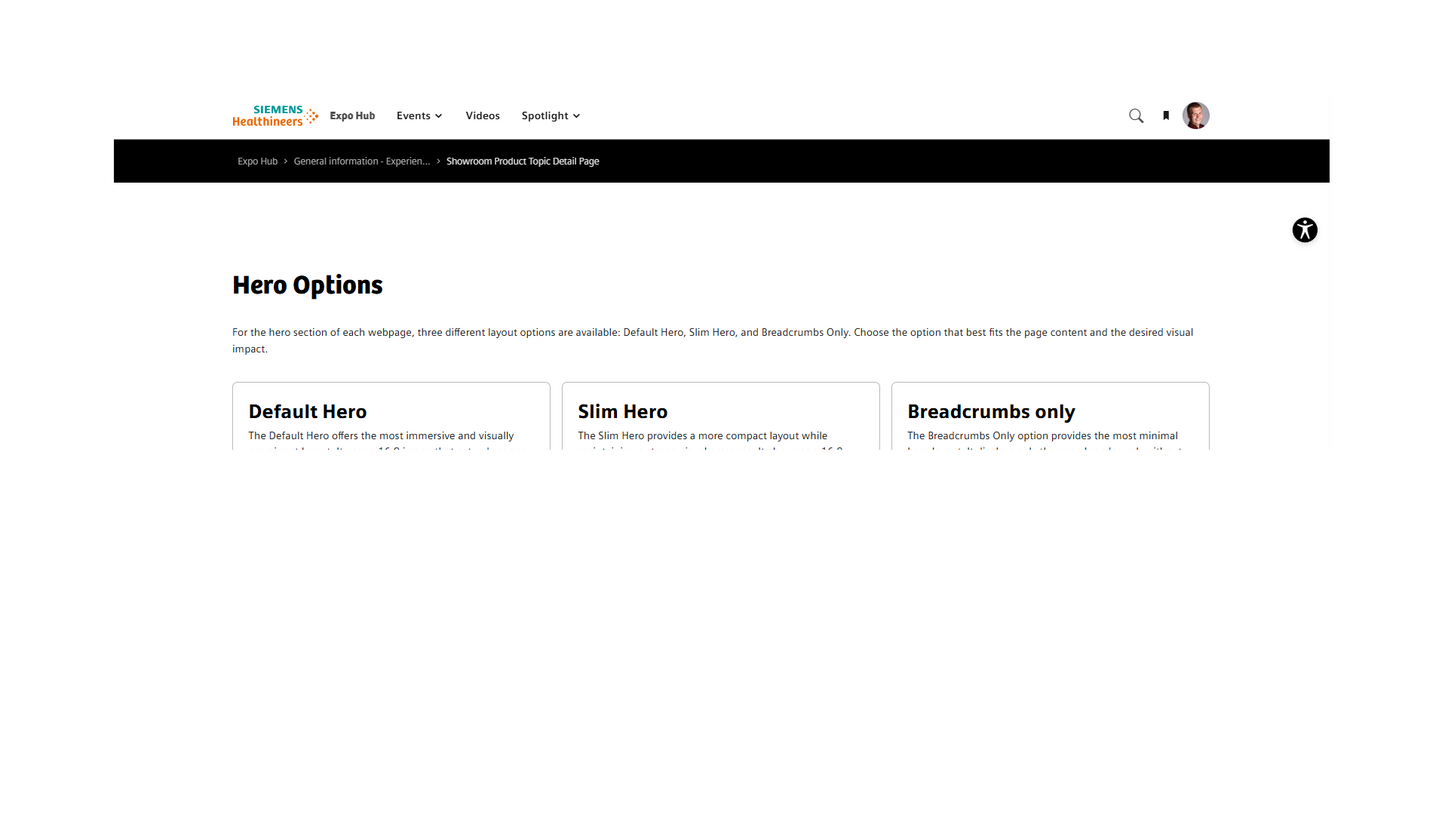
Breadcrumbs only
The Breadcrumbs Only option provides the most minimal hero layout. It displays only the page breadcrumb without an additional image, headline, or description.
The breadcrumb can be displayed on a black, white, or gray background, allowing the layout to adapt to the visual design of the page.
Text and Media
Text and Media Headline (max. 100 characters)
Here you can see the different oppertunities to use the text and media module. In general you can bold the text, put it in italics, or add links behind a text. And you can add unordered and ordered lists:
- Example
- Example
- Example
- Example
Text and Media Headline (max. 100 characters)
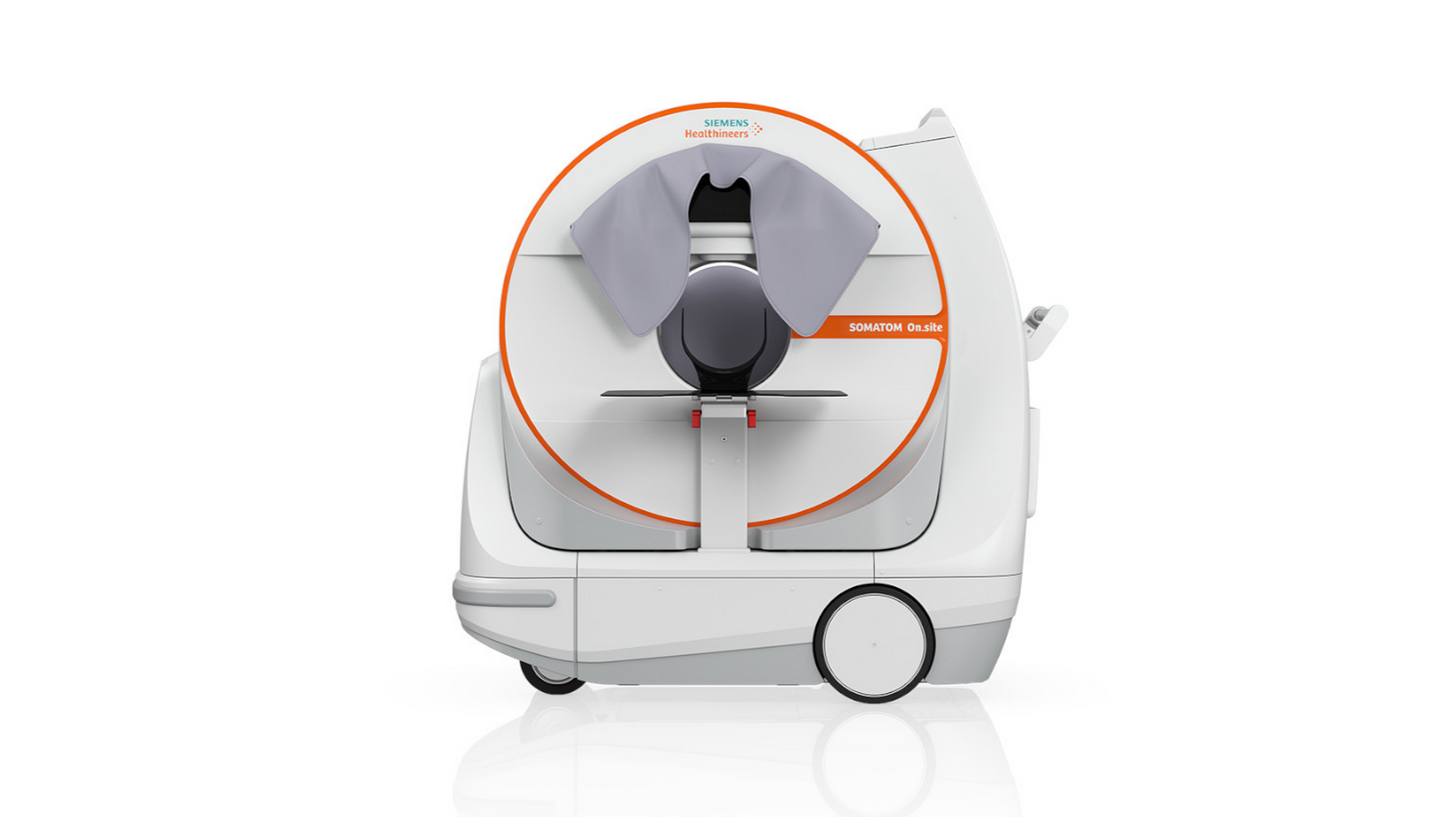
In this module you can add only text or you can add text and image / video / piechart.
For image and video zoom function is available.
Media items can be left and right aligned.
Also you can add a button.
Pie chart (max. 100 characters)
On the right hand side, you can see an an example of the Pie chart.
Quotation Collection (max. 100 chracters)
One to ten quotations possible. It's possible to add an image of the author (image ratio 1x1) as well as an image or logo of the organization. Background is always grey.

Quotation - (max. 250 characters) It's possible to add an image above the quotation. Further you can add an image of the person of the quotation.

A completely new way to make small structures of the heart visible.
This will open up the potential to scan more patients on our CT.
In the future every CT will be a photon-counting CT.
Tabs - Headline max. 100 characters
At least 2 tabs are necessary. Below you can see which widgets can be added. The chapter name can be defined, and can be different from the headline in the widget.
Follwing widgets can be add in the Tabs widget:
- Accordion
- Card Columns
- Hot Spot Image
- Multimedia Gallery
- Plugin Widget
- Quotation
- Table
- Text & Media
Card Column: Three cards in a row (max. 100 characters)
You can choose between Text and Media Cards, Fading Cards and Linklist. See examples below.
(max. 350 characters)
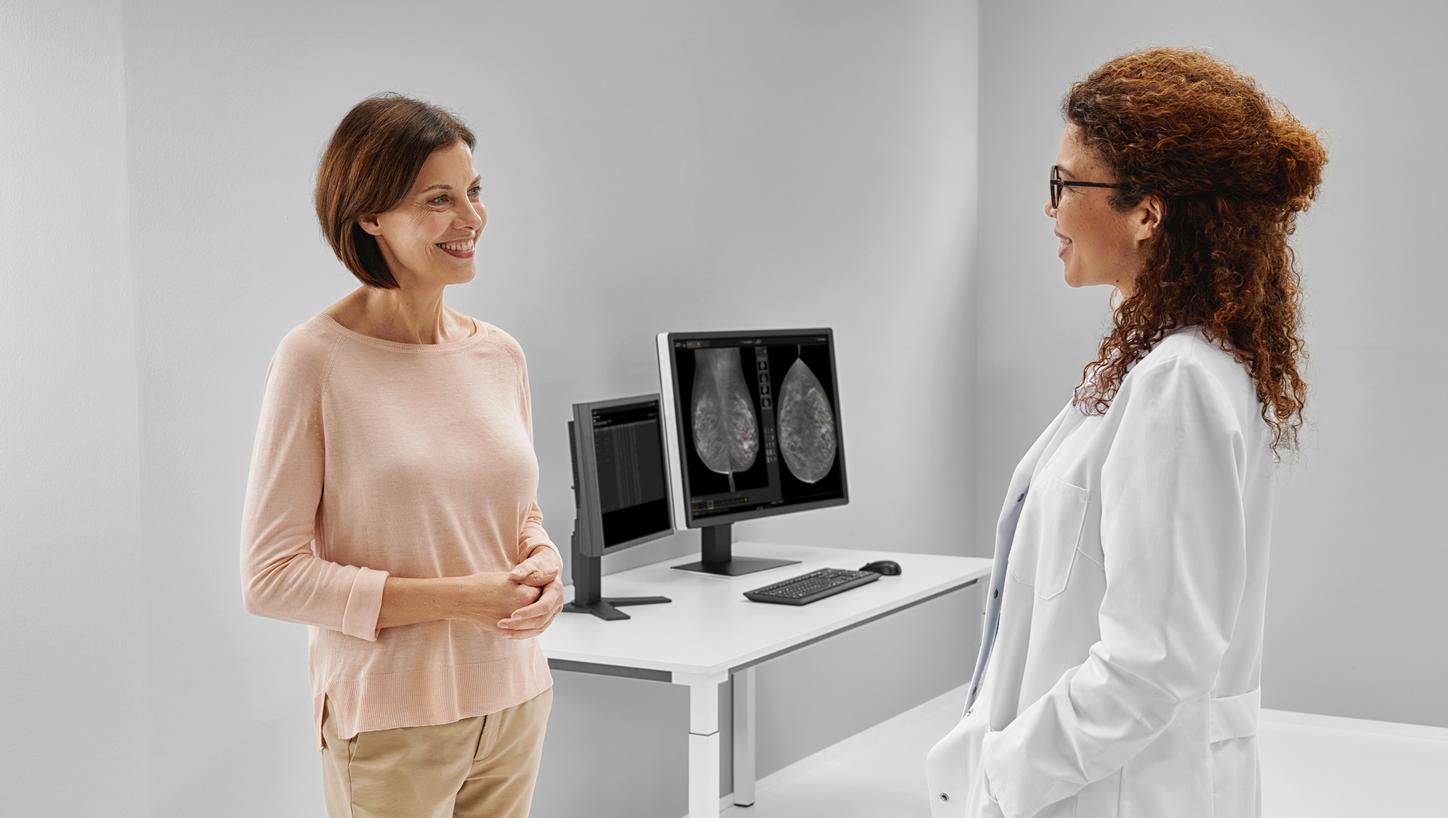
Text and Media Headline (max. 50 characters)
Description (max. 300 characters)

Text and Media with Linklist
Description
Headline (optional)

Card Column: Two cards in a row (max. 100 characters)
Description (max. 350 characters)
Text and Media Headline (max. 50 characters)
Description (max. 300 characters)
Linklist Card
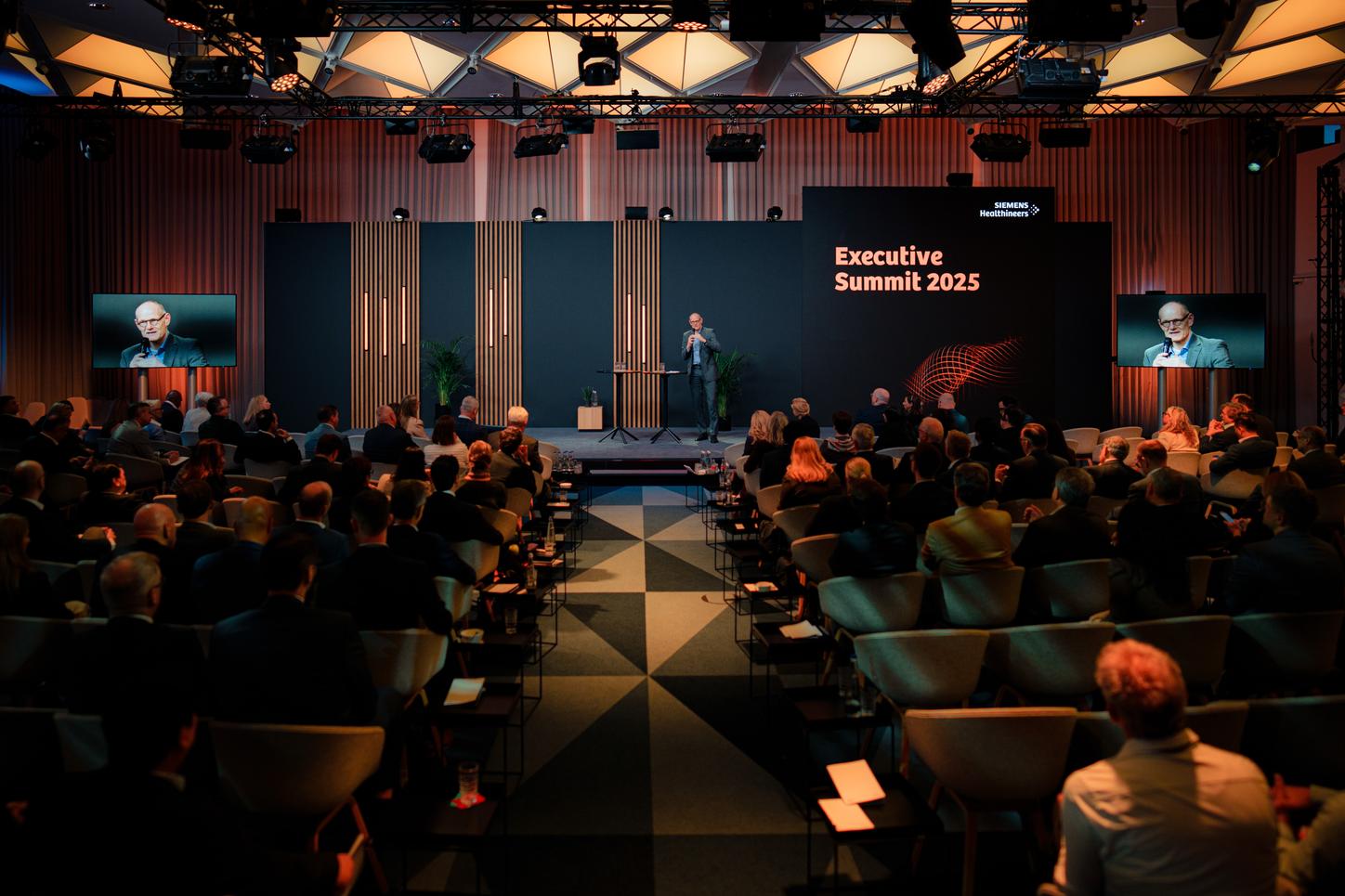
Text and Media Headline (max. 100 characters)
In this module you can add only text or you can add text and image / video / piechart.
For image and video zoom function is available.
Media items can be left and right aligned.
Also you can add a button.
Card Column
Card Column Widget can be used to show 1-4 cards, see examples below.
Card Column: Four cards in a row (max. 100 characters)
In this module, you can add two to four cards in a row.
You can choose between Text and Media Cards, CTA Cards and Link Lists. See examples below.
(max. 350 characters)
Card Column: Three cards in a row (max. 100 characters)
Decription (max. 350 characters), same card types are available as for 4.
Card Column: Two cards in a row (max. 100 characters)
Decription (max. 350 characters), same card types are available as for 4.
Text and Media Headline (max. 50 characters)
Description (max. 300 characters)
Text and Media Headline (max. 50 characters)
Description (max. 300 characters)
Card Column: One card (max. 100 characters)

Text and Media Headline (max. 50 characters)
Description (max. 300 characters)
Hotspot
Hotspot Headline (max. 100 characters)
Add a description or, for instance, click plus (+) to find our more about our features
(max. 350 characters)

Hot Spots Image, Text & Media in layer (max. 100 characters)
Add a description or, for instance, click plus (+) to find our more about our features
(max. 350 characters)
Accordion (headline max. 100 characters)
You can display several items among each other. Images and buttons can be inserted in the selected items.
Widget possibilities (max. 100 characters)

You can add the follow widgets:
- Hot Spot Image
- Multimedia Gallery
- Plugin Widget
- Quotation
- Text and Media
Accordion Item 2
Background colors
- white
- grey
Colours:
- None
- White
- Lightgrey
Multimedia Gallery
Multimedia Gallery (max. 100 characters)
It is also possible to add a Header and Description next to the gallery. Additionally you can add an optional button. (max. 350 characters)
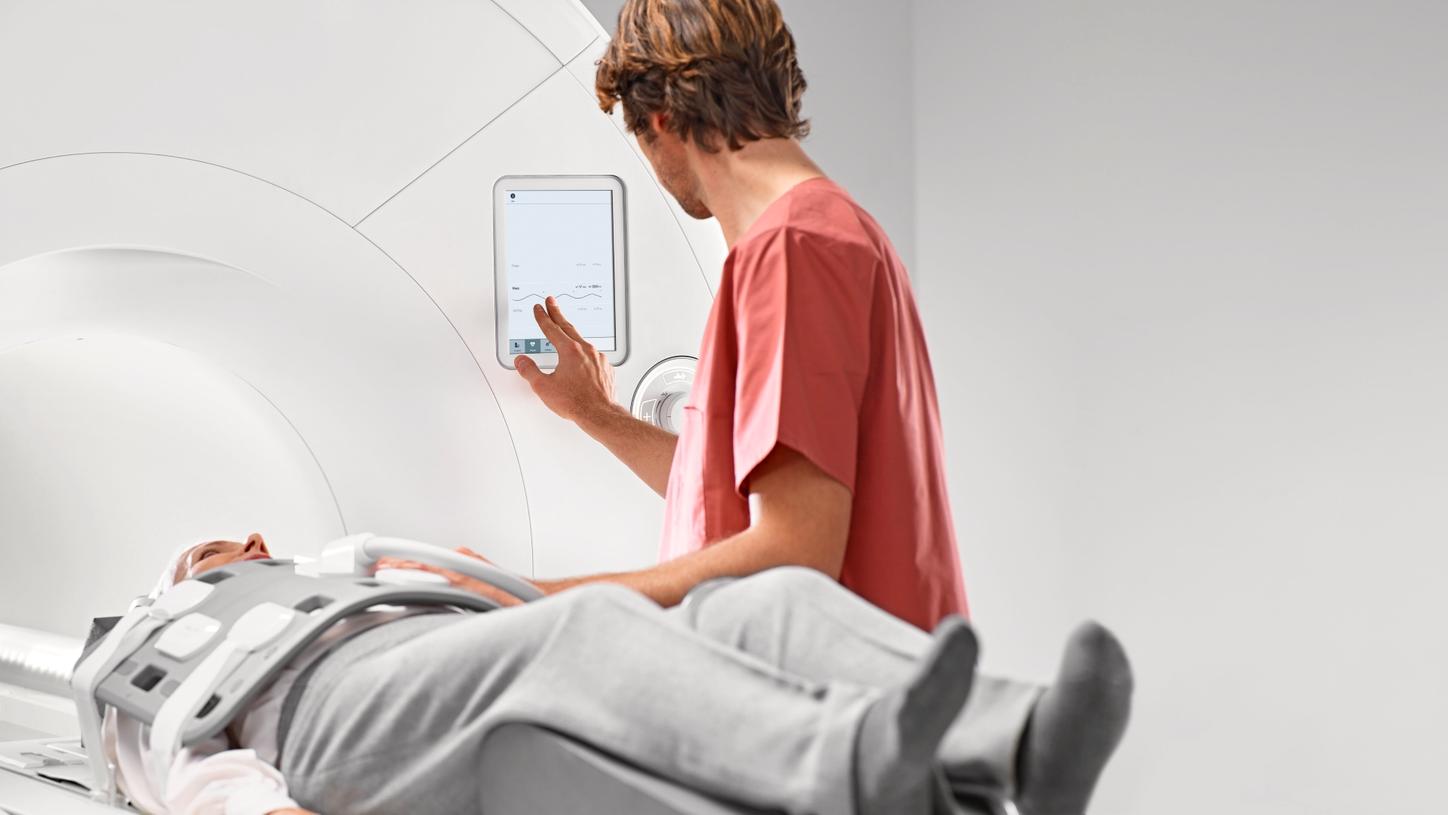
Headline (max. 100 characters)
Headline
Multimedia Gallery (max. 100 characters)

Headline (max. 100 characters)
Headline (max. 100 characters)
Multimedia Gallery on black background (max. 100 characters)
For clinical images black backgrund is possible.
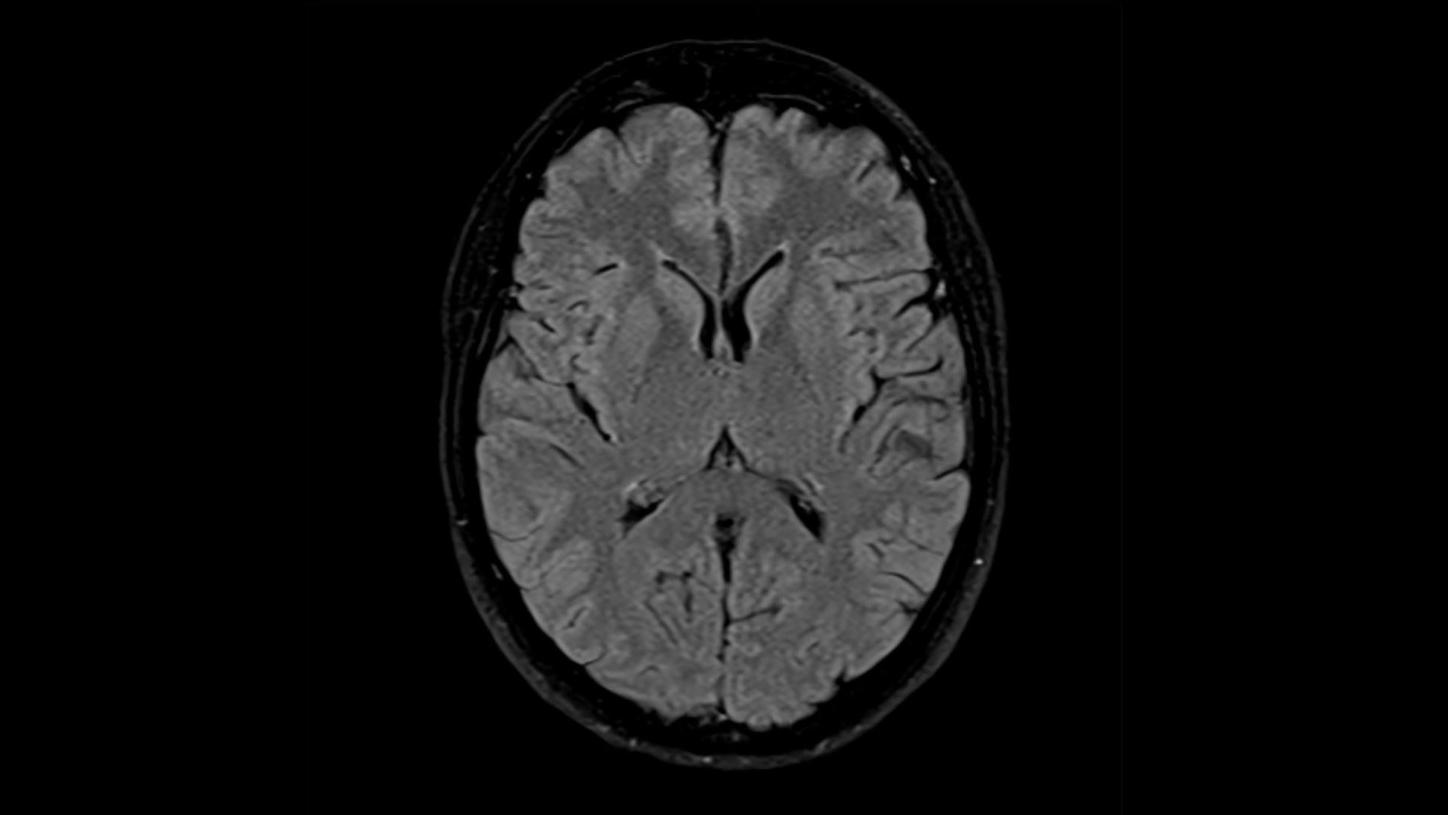
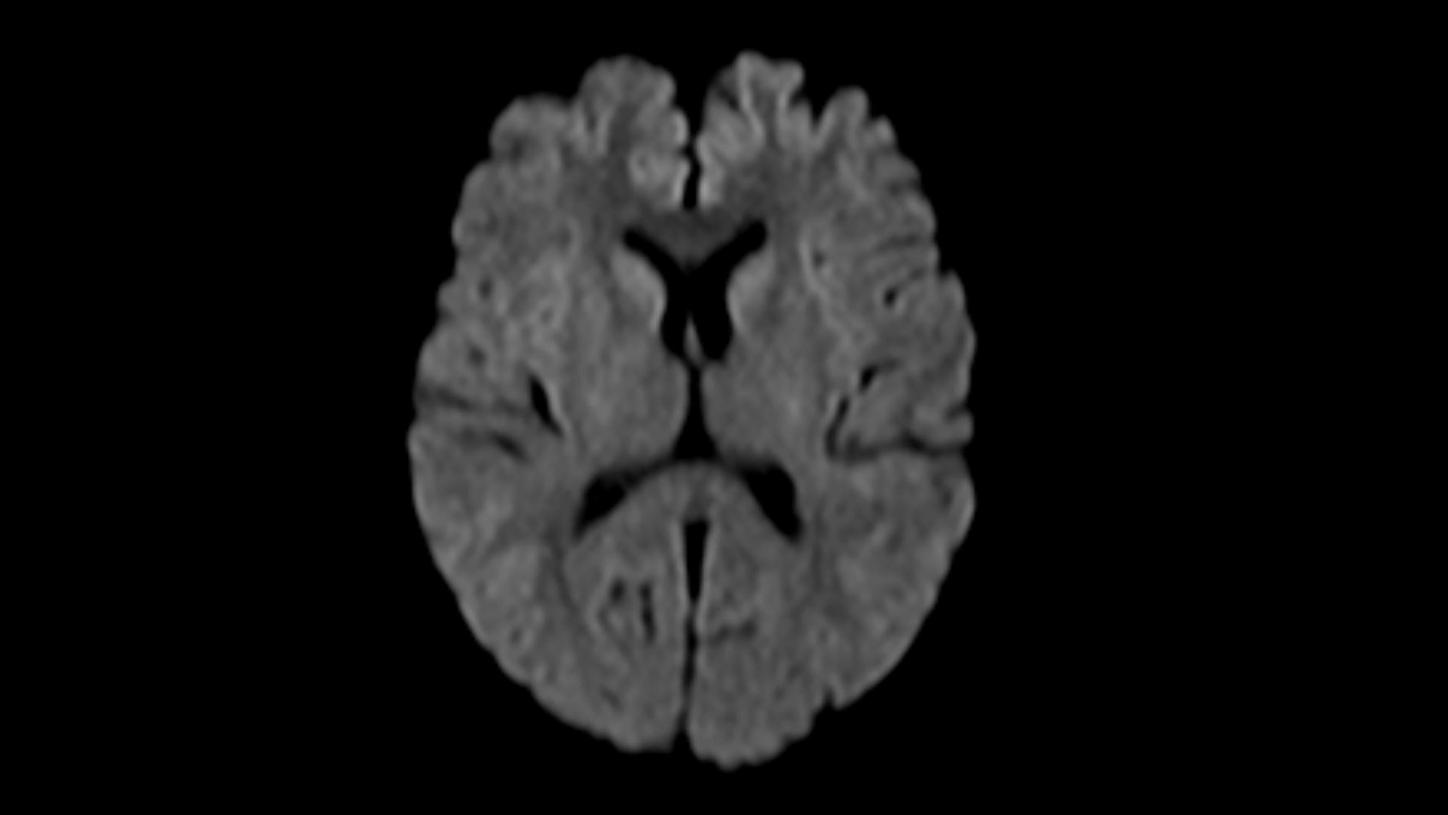
Example Clinical image gallery MRI MAGNETOM Free.Max
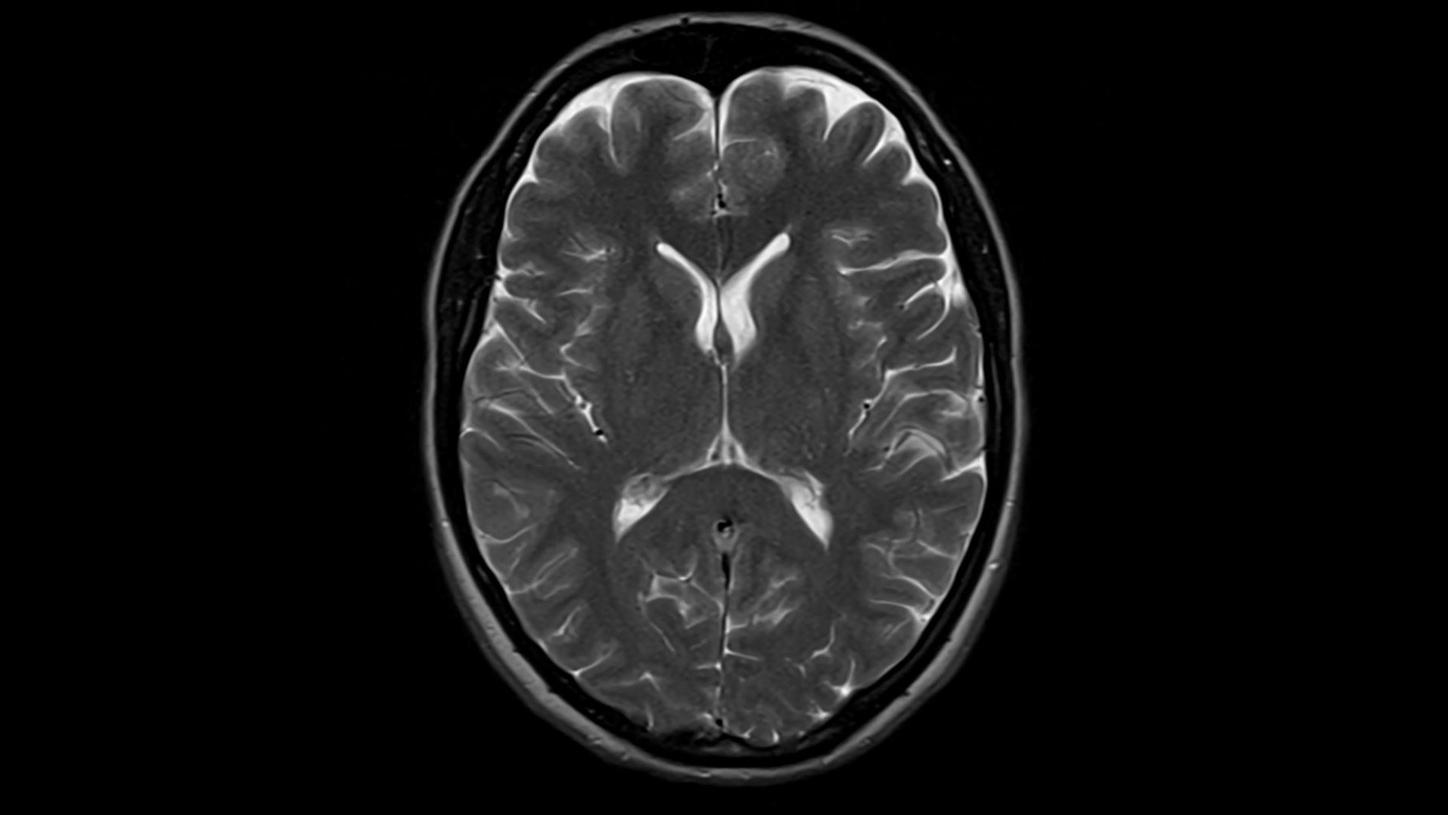
T2 TSE with Deep Resolve
T2 TSE Dark Fluid with Deep Resolve
DWI b1000
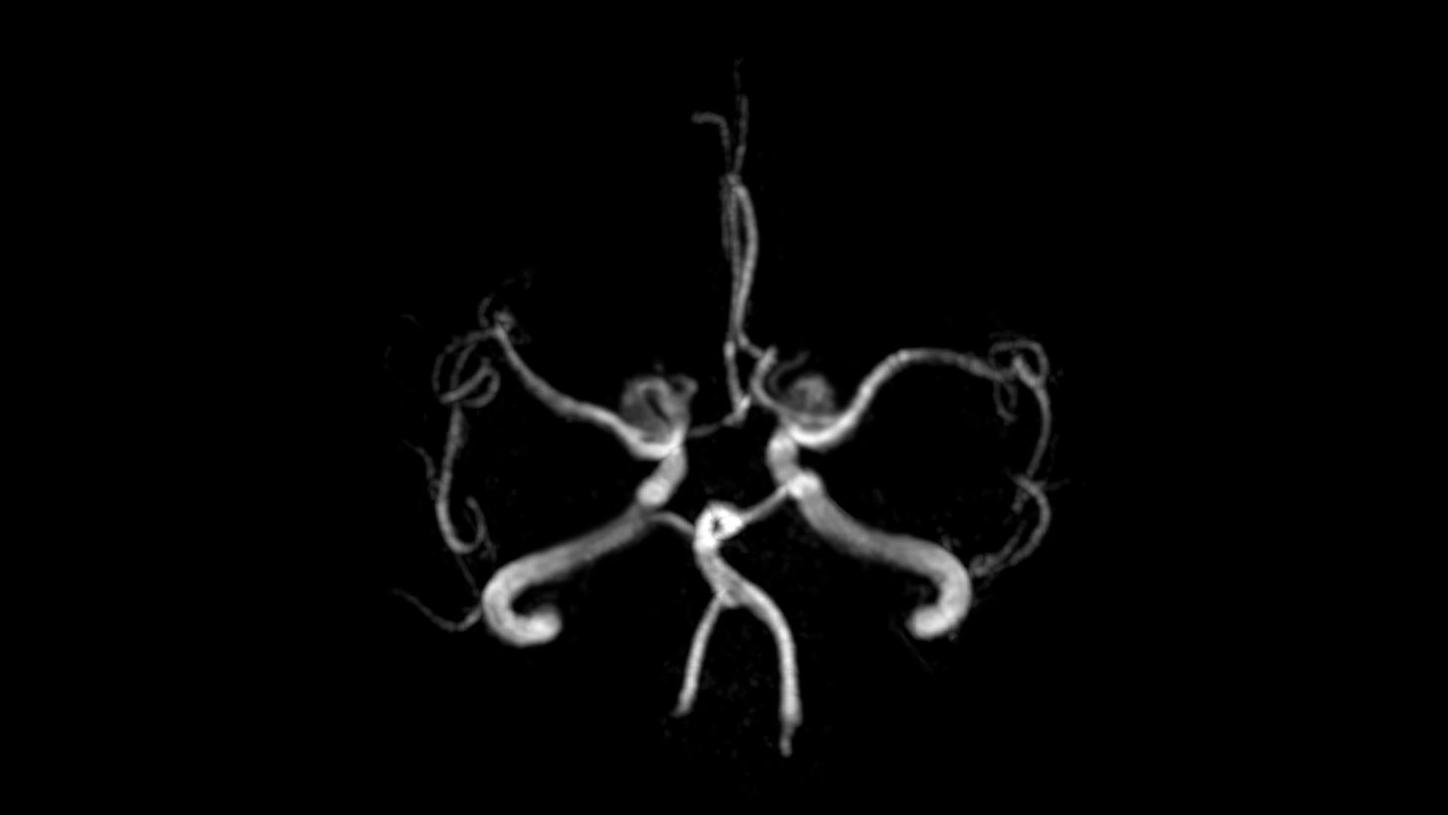
Time-of-flight angiography
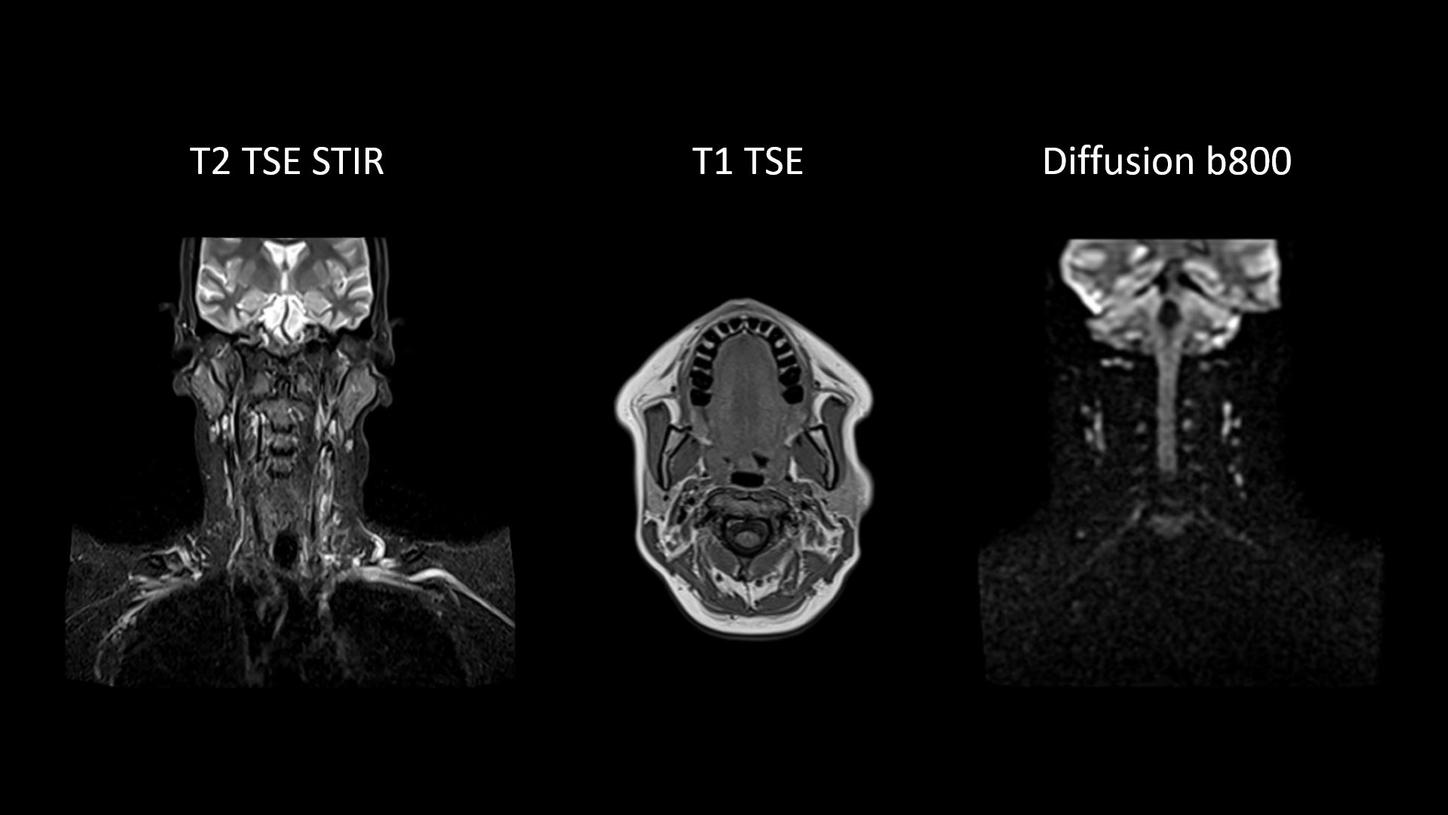
Excellent soft tissue contrast in the neck
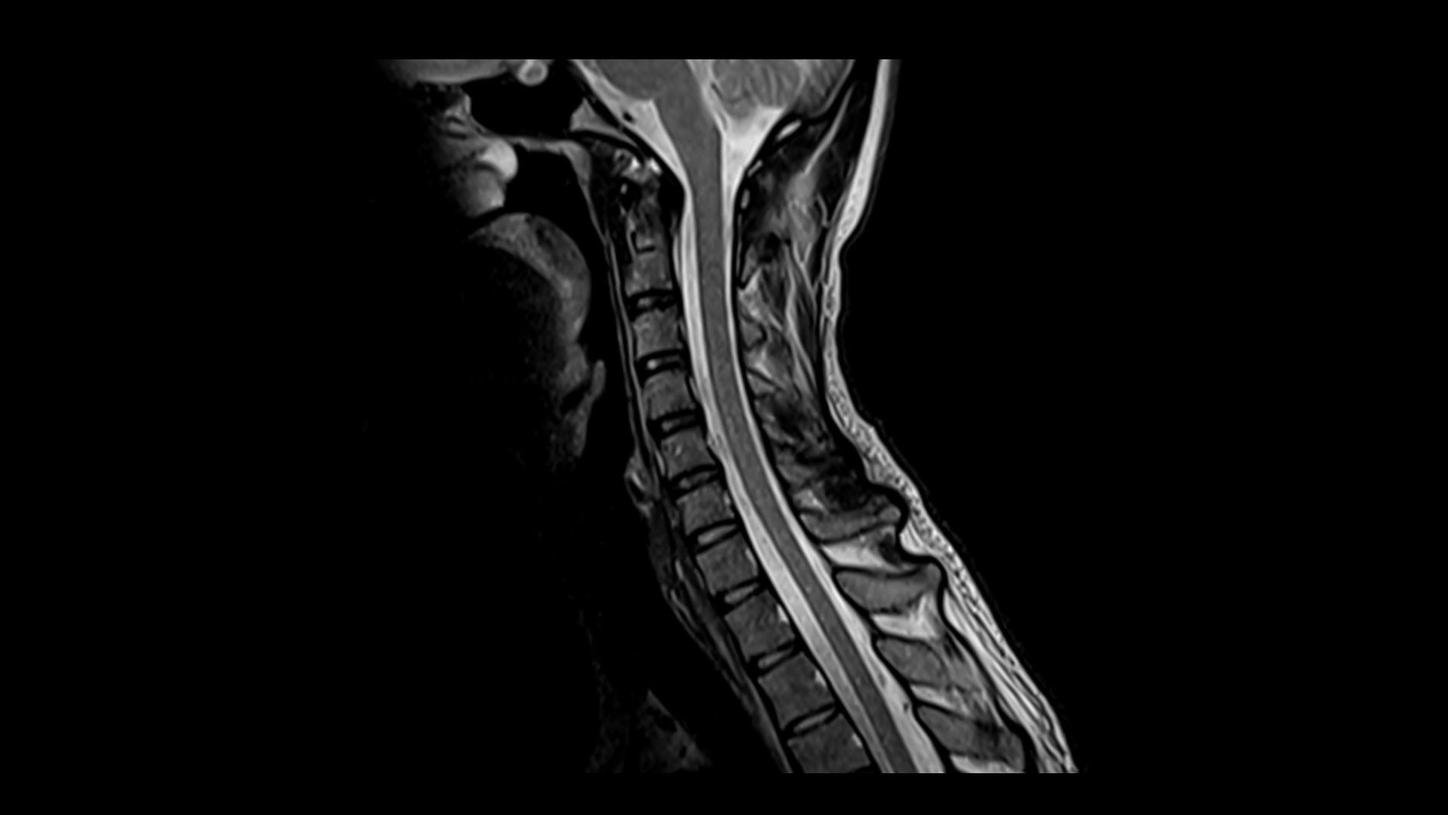
T2 TSE
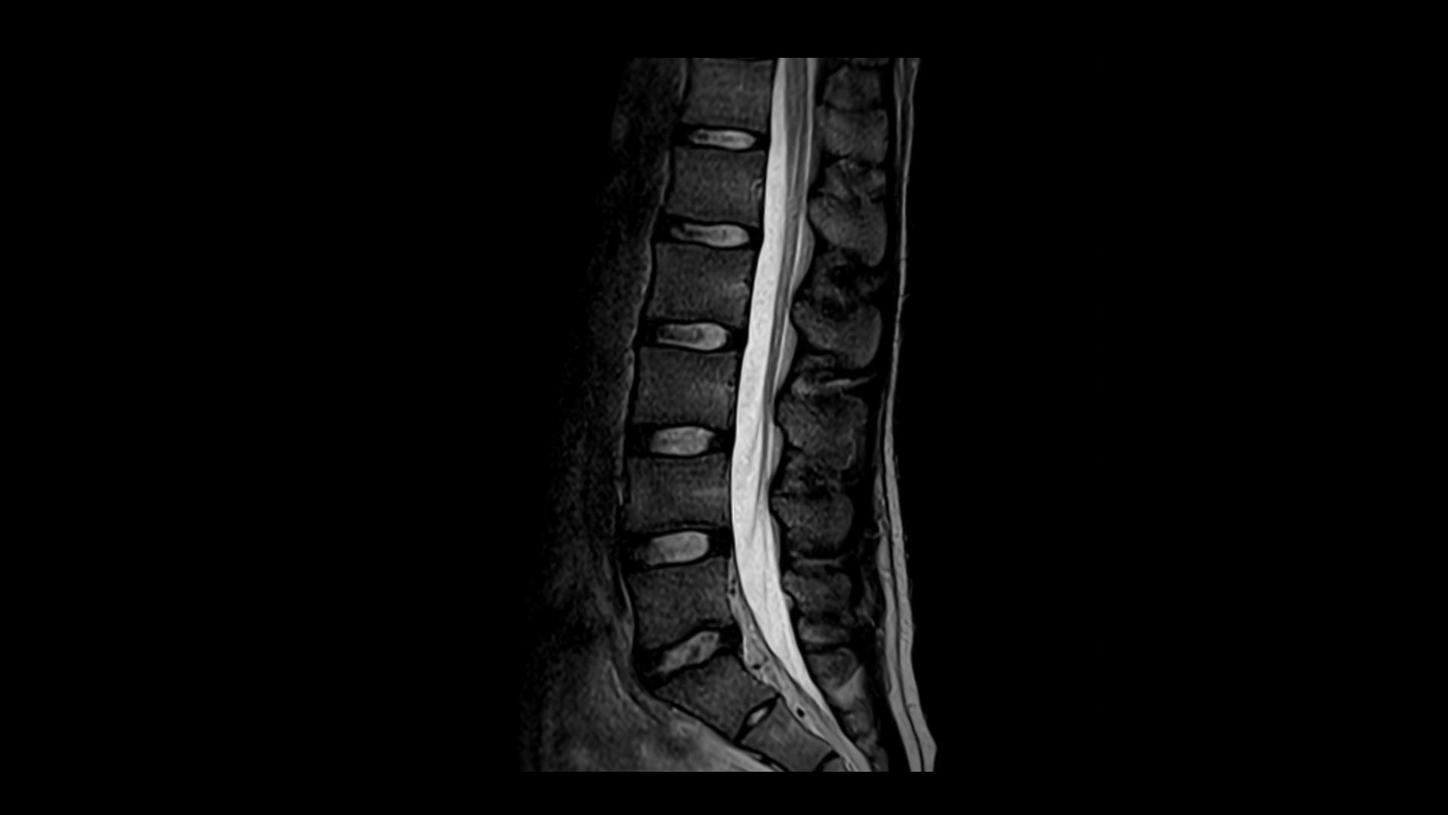
T2 TSE
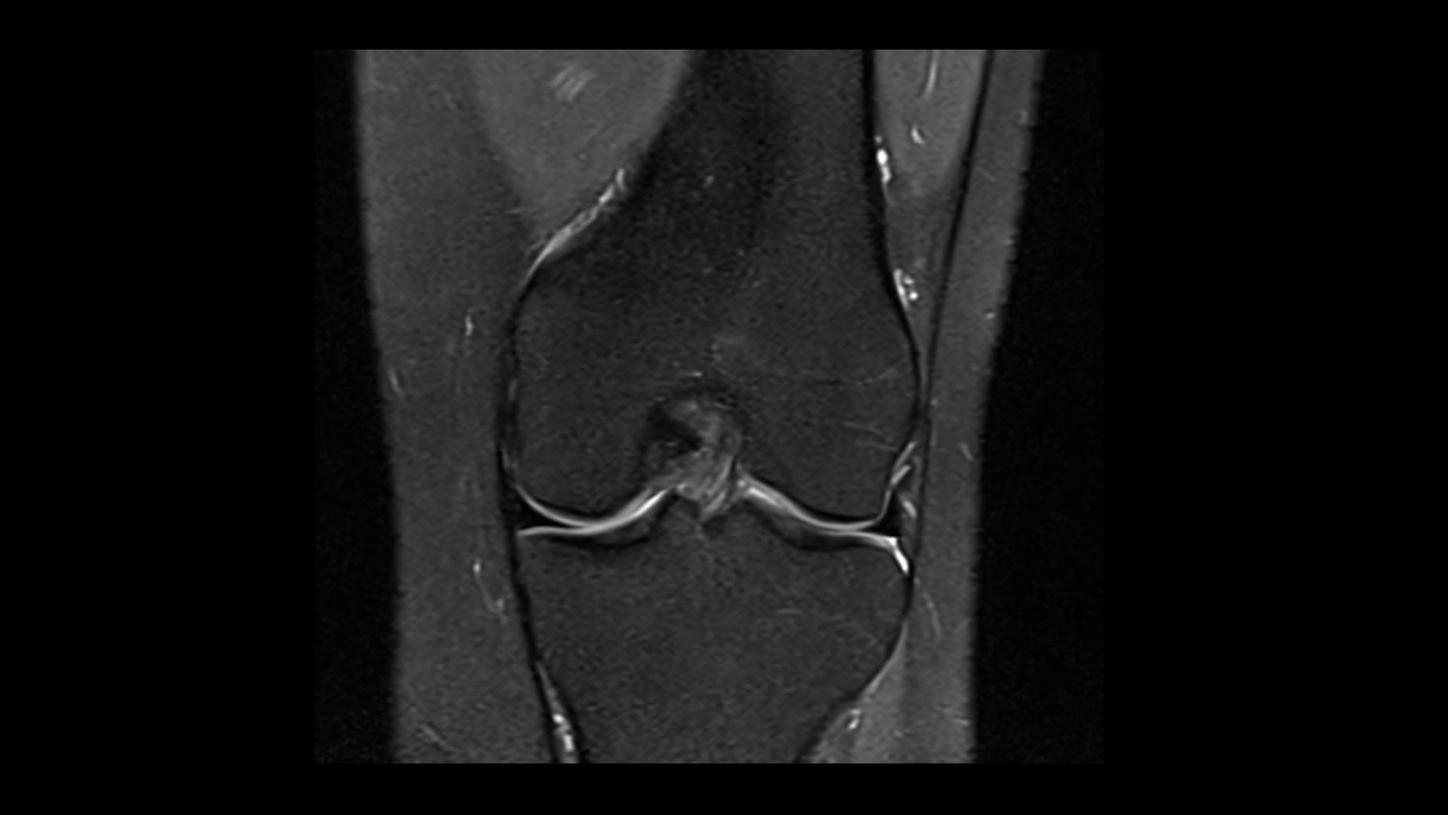
PD TSE Fat Sat with Deep Resolve
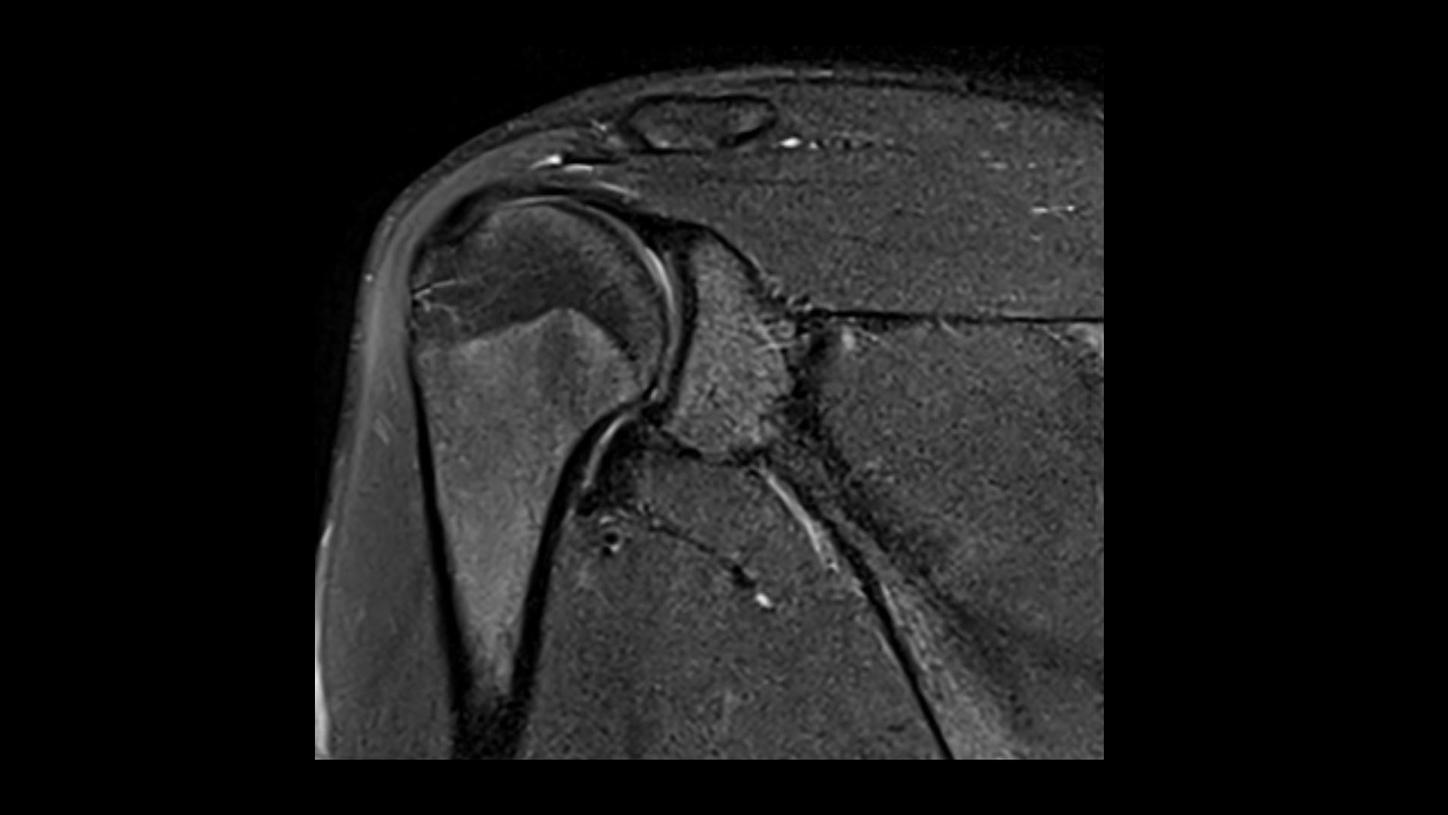
PD TSE Fat Sat with Deep Resolve
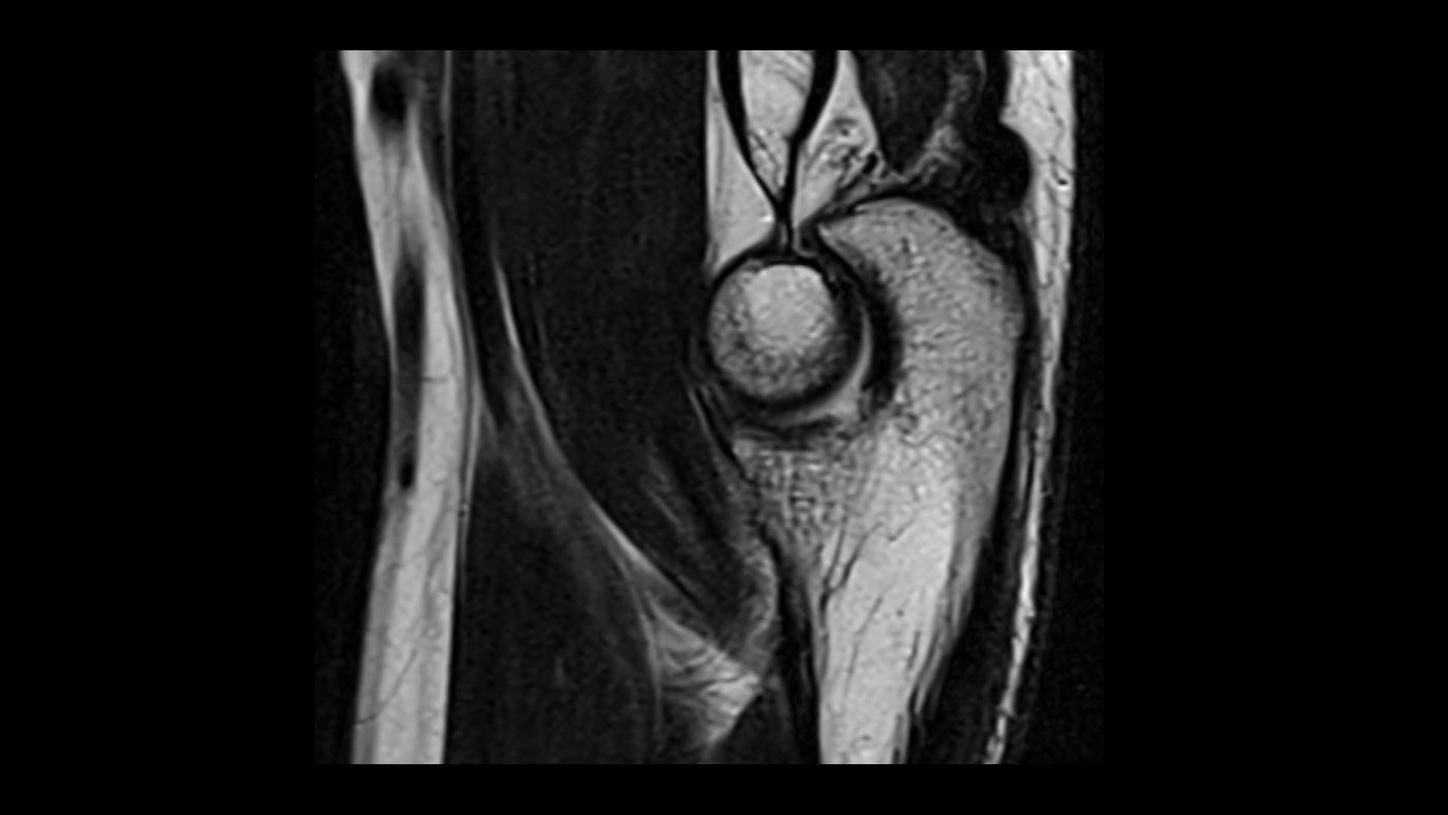
T2 TSE with Deep Resolve

MRCP with Compressed Sensing
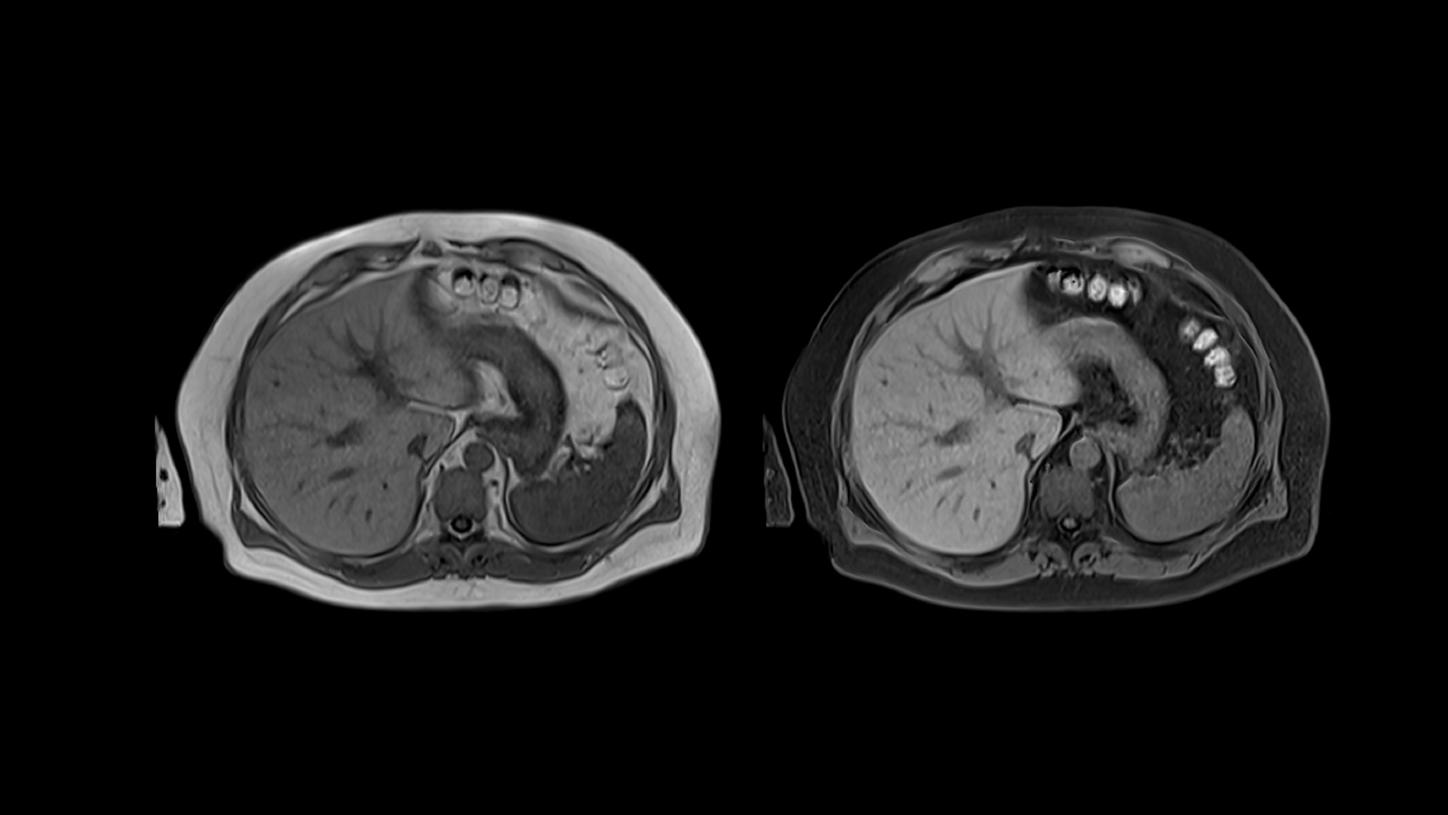
T1 VIBE Dixon with CAIPIRINHA
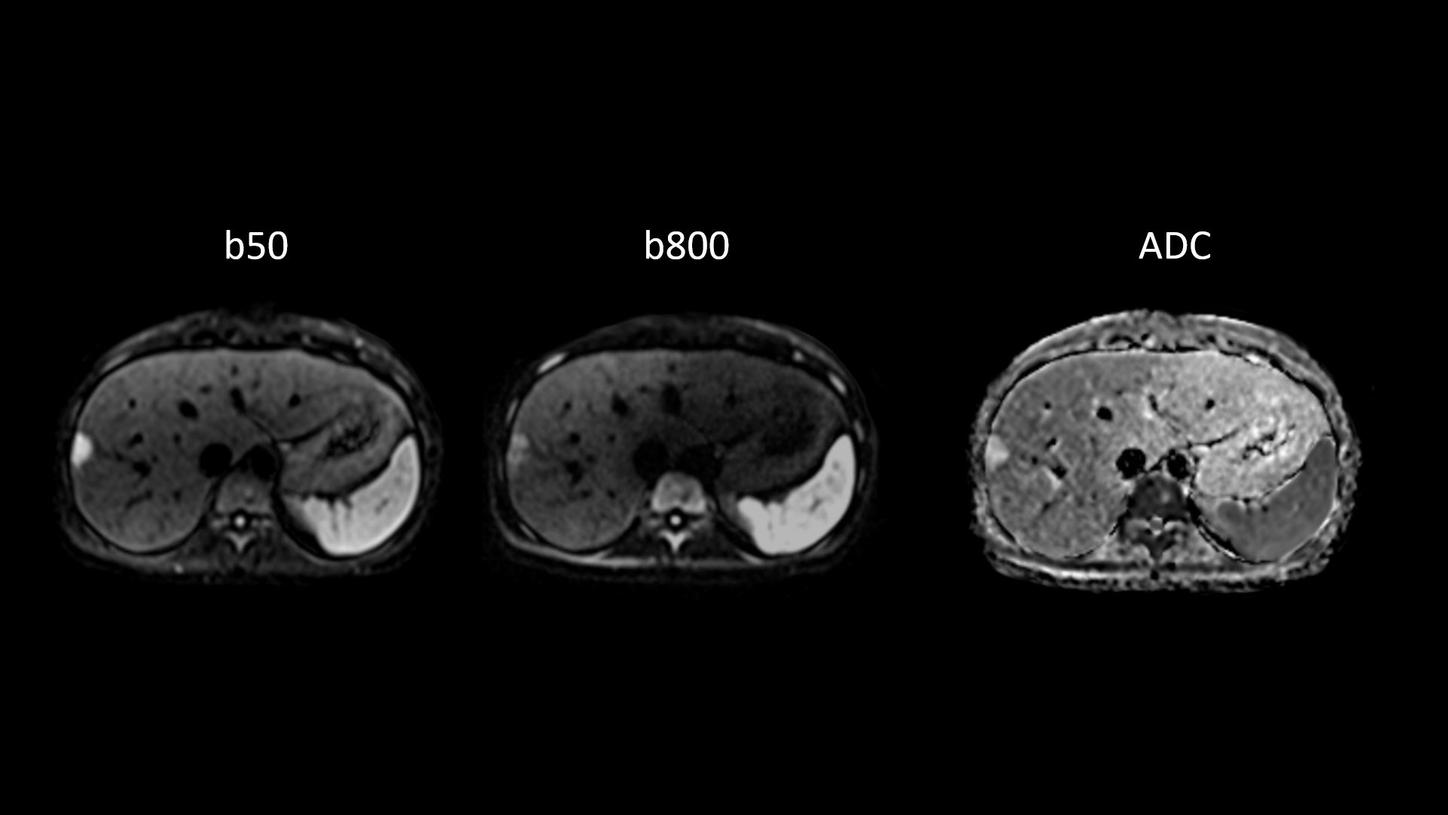
Body diffusion imaging
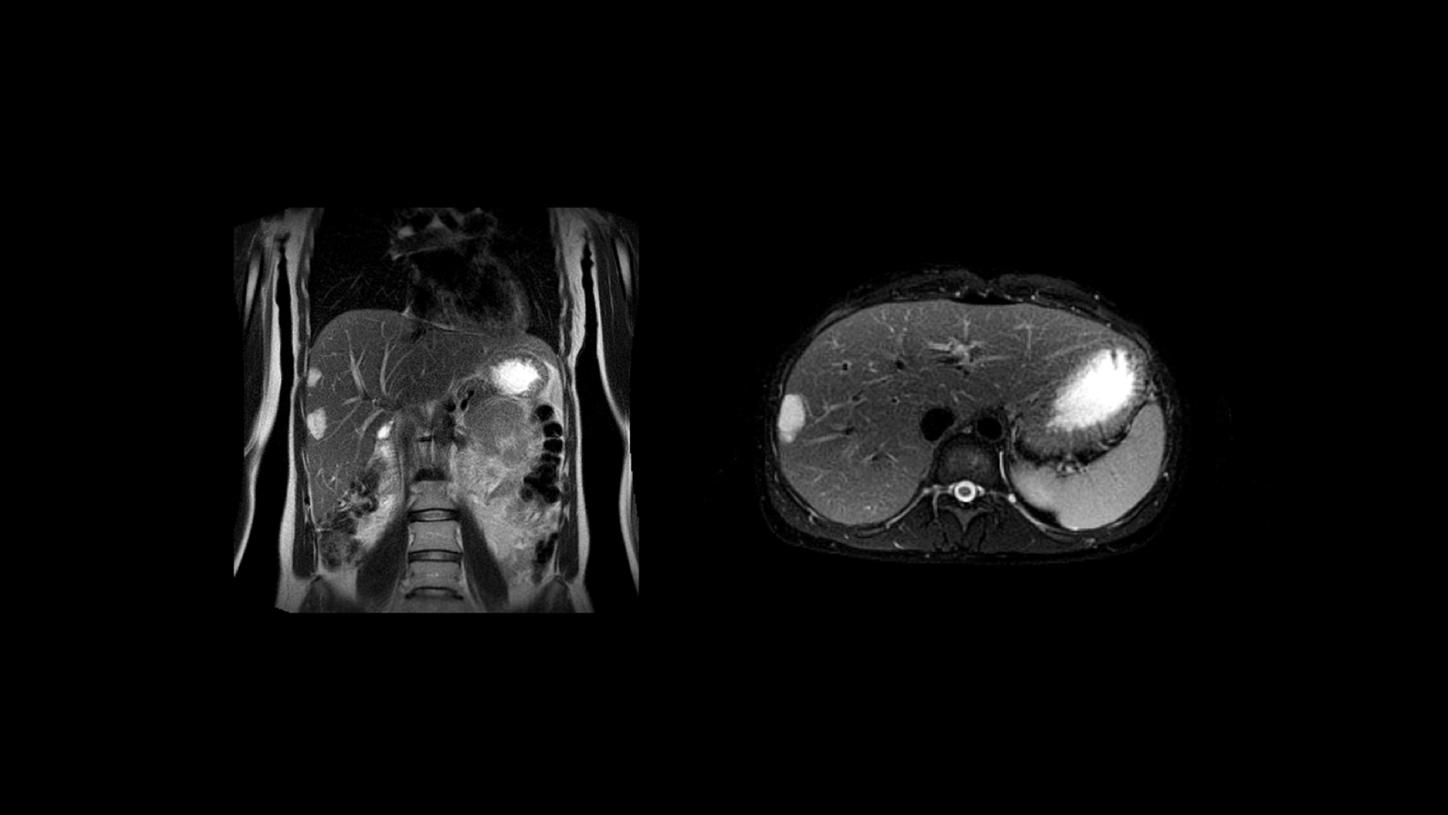
T2 BLADE
Collection
You can display several items under each other. Images, title, description and buttons can be added.

Shaping the future of Cancer Care
Alzheimer's Day
Pathway
Explore the patient journey through our Pathways. Covering clinical fields such as Stroke Care, Cardiovascular Care, Cancer Care, and Alzheimer’s Care, they connect key stages of care with relevant solutions and products to provide an intuitive overview of the complete care pathway.
- Pathway Overview: Special widget, to teaser the different pathways.
- Create your own Pathway: Build a Pathway tailored to your specific clinical topic and content but without animations and sound.
- Create with agency support: Develop a customized Pathway together with our agency, including structure, content, and implementation. (See an example here)
